Your homepage has twelve images. Marketing uploaded them last week. Every alt field is blank or says "image1.png."
Screen reader users get nothing useful. Search engines see a visual page with no text context. You did not break SEO on purpose; nobody put alt text on the launch checklist.
Image optimization sits in the overlap of accessibility and on-page SEO. We apply technical SEO and on-page fundamentals with teams who want discoverability without treating every image as a keyword slot. This checklist is for business owners and marketers, not front-end specialists.
What Alt Text Is (and Is Not)
Alt text (alternative text) describes an image in words. Browsers and assistive technology use it when the image cannot be seen or loaded.
Alt text is for:
- Explaining what the image shows and why it is on the page
- Supporting accessibility for blind and low-vision users
- Giving search engines context about non-text content
Alt text is not for:
- Stuffing keywords unrelated to the image
- Repeating the page H1 on every photo
- Replacing a caption when a caption is the better place for marketing copy
Think: "What would I tell someone on the phone if they could not see this image?"
Beginner Checklist: Before You Publish a Page With Images
Run this on your next service page, blog post, or landing page refresh:
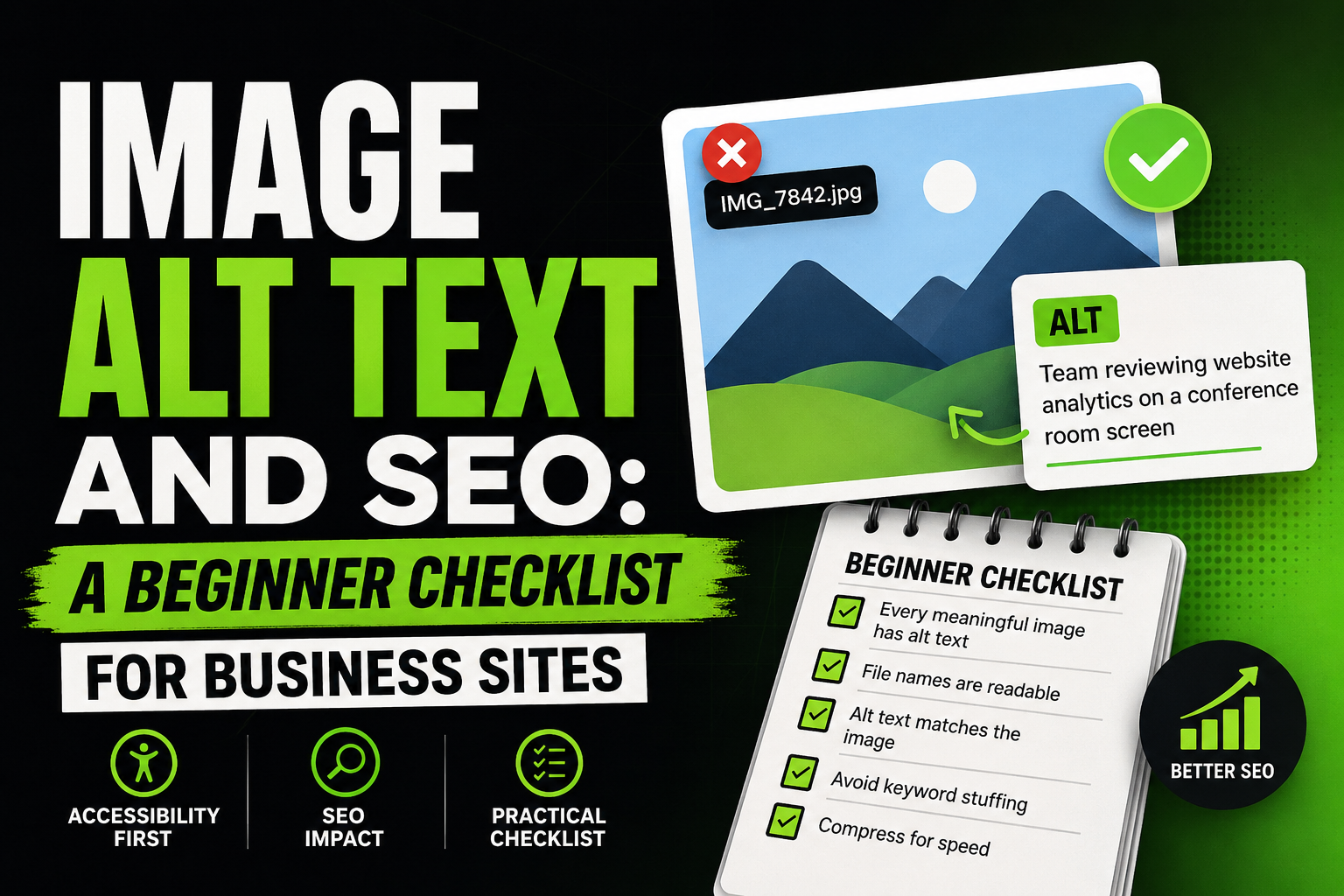
1. Every meaningful image has alt text
Decorative images (pure background texture, spacer graphics) may use empty alt (alt="") when your CMS allows it. Content images (products, team photos, diagrams, screenshots) need a description.
2. File names are readable (bonus, not a substitute)
team-workshop-2026.jpg beats IMG_8842.jpg. File names are a weak signal; alt text matters more. Fix names when you upload, not as a retroactive SEO project.
3. Alt text matches what is actually in the image
Weak: "best SEO company affordable services Philippines"
Stronger: "Team reviewing website analytics on a conference room screen"
Describe the image. Tie it to the page topic only when natural.
4. Do not duplicate the same alt on every stock photo
Ten identical "business team meeting" alts on one page look automated. Vary descriptions or reduce redundant stock imagery.
5. Compress images for speed
Large uncompressed heroes hurt mobile experience and Core Web Vitals. Alt text does not fix a 4 MB PNG. Resize and compress before upload; keep alt accurate on the optimized file.
Alt Text and SEO: How Search Uses It
Search engines cannot "see" images the way humans do. They use alt text, surrounding copy, file names, and page context to understand what an image contributes.
Alt text helps when:
- An image illustrates a step in a tutorial
- A product photo supports a commercial page
- A diagram explains a concept your headings already cover
Alt text rarely helps when:
- The image is decorative filler
- The description is keyword spam with no visual truth
- The page has no other useful content and alt is the only "SEO" effort
Images support a search-friendly page. They do not replace headings, body copy, or internal links.
Common Mistakes on Business Sites
|
Mistake
|
Fix
|
|
Empty alt on all CMS uploads
|
Add alt to the template checklist; assign one owner per publish
|
|
Copy-paste alt from a keyword list
|
Describe the image in plain language
|
|
Alt repeats H1 on every image
|
One clear H1; unique alts per image
|
|
Text baked into images with no alt
|
Move critical text to HTML or describe the full message in alt
|
|
Forgetting alt after a redesign
|
Crawl key templates after launch; spot-check in browser dev tools
|
Where This Fits in a Beginner SEO Stack
User-first content and clear headings come first. Then technical basics: titles, meta descriptions, readable URLs, internal links, and image hygiene. Skip keyword stuffing and outdated tricks; they waste time and erode trust.
For the long-term mindset (what to build after basics are stable), see sustainable SEO when you are not an expert.
Which image on your site would confuse a visitor if it failed to load: start there.
For a full beginner walkthrough covering UX, technical practices, and what to avoid, read our SEO basics beginner guide for search-friendly websites.