Skip to content
SEO

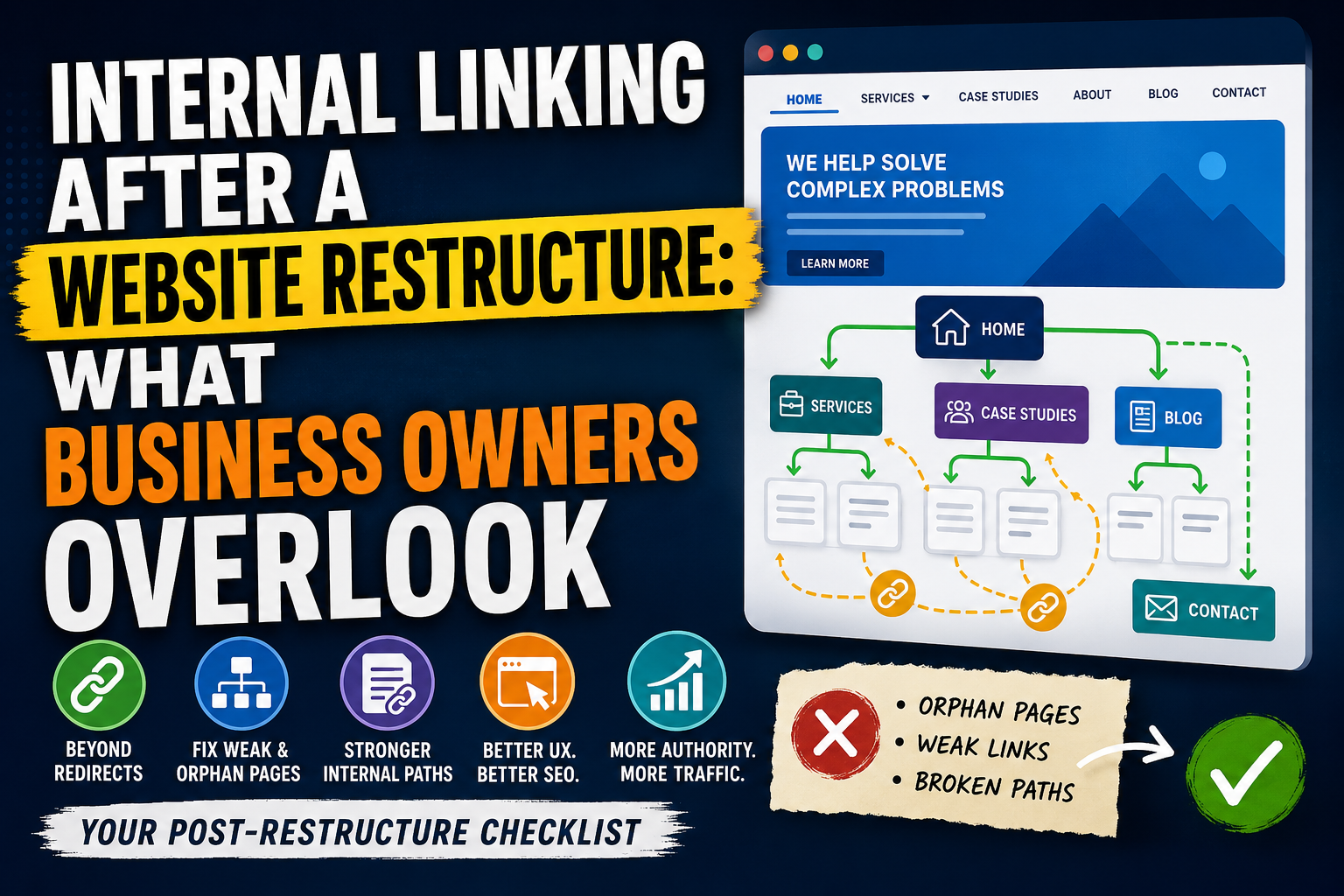
Internal Linking After a Website Restructure: What Business Owners Overlook

Jasper Seontos
Jasper Seontos

Redirects were mapped. The new site launched. Search Console stopped screaming about 404s. Leadership assumed SEO was handled.

Three months later, several service pages barely moved. Blog posts that used to send traffic to contact now dead-end. A high-value case study sits three clicks from the homepage with no links from the pages that mention the same client industry.

Redirects fix old URLs arriving from outside. Internal linking fixes how authority and users move inside the new site. After a restructure, teams often nail the first and forget the second.

We run technical SEO and site architecture reviews on live sites where migration work finished but internal paths never caught up. This guide is for business owners and marketers who need a practical post-restructure checklist, not a theory article on PageRank.


Why Restructures Create Orphan and Weak Pages

A restructure changes labels, navigation groupings, URL slugs, and template layouts. Even when every old URL redirects correctly, the new graph of links may be weaker than before.

Common outcomes:

  • Flattened navigation: fewer top-level items, so deep service pages lose menu exposure
  • Merged sections: two old hubs become one page with less contextual cross-linking
  • New CMS defaults: related posts, breadcrumbs, or footer blocks not configured
  • Editorial drift: body copy still mentions topics but links were stripped during migration
  • Template regressions: case studies no longer link to relevant services automatically

Google still discovers URLs via sitemap and redirects, but internal links signal which pages matter and how topics connect. Weak internal paths slow redistribution of authority after a migration.


Navigation vs Body Links (Both Matter)

Primary navigation and footer

These are sitewide signals. After a restructure, verify:

  • Every money page (core services, primary products, contact) is reachable in one click from the homepage via nav or a clear hub page
  • Footer still lists key commercial paths, not only legal and social
  • Mobile nav matches desktop intent (hamburger menus often hide entire service groups)

Quick test: ask someone unfamiliar with the site to find "how we help X industry" starting from the homepage. Count clicks and confusion.

In-content contextual links

Navigation alone rarely enough for SEO depth. Service pages should link to:

  • Related services (natural cross-sell paths)
  • Proof (case studies, testimonials)
  • Top blog or news posts that expand on the same problem

Blog posts should link up to service hubs and sideways to related articles. Post-migration content often keeps old inline URLs fixed by redirects but misses chances to link new URLs that did not exist on the old site.


Orphan Pages and Crawl Depth

An orphan page has few or no internal links pointing to it. Sitemaps and external backlinks may still get it indexed, but it competes poorly against well-linked siblings.

How to find orphans after a restructure:

  1. Crawl the site (Screaming Frog, Sitebulb, or similar) and sort by inlinks count
  2. In Google Search Console, open Links > Internal links and note pages with unexpectedly low counts
  3. Compare your priority URL list (services, case studies, contact) against crawl depth

Fix orphans by adding links from:

  • Relevant service pages (contextual paragraph, not a random "related links" box stuffed with keywords)
  • Case study templates back to the matching service
  • Resource or news index pages with sensible categorization

Avoid creating one mega "sitemap page" with fifty blue links and no context. That helps discovery slightly but weakens user experience and looks dated to search quality systems.


Breadcrumbs and Hub Pages

Breadcrumbs do two jobs: orientation for users and structured internal paths for crawlers.

After a restructure, confirm:

  • Breadcrumbs reflect new hierarchy, not legacy labels
  • Schema markup (BreadcrumbList) matches visible trail
  • Hub pages (for example /services, /news, /case-studies) link out to all important children

If you collapsed multiple service lines into one hub, the hub page must do real editorial work: short intros per child page with links, not a bare bullet list.


Anchor Text Without Keyword Stuffing

Internal anchors should describe the destination clearly. They should not repeat city or country names on every service link, and they should not force exact-match commercial phrases into every paragraph.

Good patterns:

  • "our mobile app development work" → /services/mobile-development
  • "how we approach website redesigns" → /services/website-redesign
  • "read the full case study" → specific case URL

Weak patterns:

  • "click here"
  • "best software company in [city]" repeated in every section
  • ten links with identical anchor text to the same page in one article

After migration, run a crawl report grouped by anchor text and destination. Duplicate generic anchors on important URLs are a fast fix with real UX benefit.


Broken Internal Paths (Not the Same as Redirects)

Internal links that point to retired paths still on the new domain are a separate issue from external old URLs.

Examples:

  • Body links still using /about-us when nav uses /company
  • Widgets hardcoded to old blog paths
  • PDFs and slide decks linked from the site with outdated URLs (redirects may work, but chains add friction)

Crawl for 4xx on internal links. Fix at the source in CMS content, not only with server redirects. Every unnecessary redirect hop on an internal path slows users and crawlers.


Search Console "Links" Report Triage

Use Search Console after restructure to sanity-check internal graph changes.

Internal links report:

  • Confirm top linked pages still match business priorities (homepage, key services, contact)
  • Investigate if a low-priority archive page suddenly ranks high in internal link count (often footer or tag template bugs)

Top linked pages vs top landing pages:

  • A service page with strong impressions but weak internal inlinks is a candidate for nav or hub promotion
  • A page with many internal links but no impressions may be over-linked boilerplate (login, thank-you, search)

External links report:

  • External sites still link to old paths that redirect. That is fine if redirects are clean, but add internal links from the destination page to related commercial URLs so redirected traffic has a clear next step

Pair this with analytics landing page reports. Internal linking fixes should show up in user flow, not only in crawl stats.


Recovery Sequence (Post-Restructure Internal Linking)

Work in this order on a live site:

  1. Fix broken internal 404s in nav, footer, and top-traffic content
  2. Restore one-click paths to core service and contact pages from homepage and hubs
  3. Link orphan priority URLs from at least two relevant contextual sources each
  4. Update breadcrumbs and hub pages to match new IA
  5. Refresh high-traffic blog posts with links to new service URLs where topics align
  6. Automate template links (case study → service, news → related service) so future content does not recreate orphans
  7. Re-crawl and monitor internal link counts in Search Console over four to eight weeks

Do not wait for a content marketing sprint. Steps 1 to 3 are often a few hours of CMS edits with disproportionate impact.


When Internal Linking Needs Deeper Redesign Scope

Some restructures need more than link patches:

  • Service taxonomy changed but page copy still targets old intent clusters
  • Consolidated pages are thin compared to retired URLs they replaced
  • Personalization or faceted navigation creates duplicate paths without canonical strategy

In those cases, internal linking work overlaps with content merges and template design. That is why website redesign with SEO built into navigation planning early beats a post-launch scramble: IA, redirects, and internal graph should ship in the same release plan.


Key Takeaways

  • Redirects fix inbound old URLs; internal links redistribute authority inside the new site.
  • Check nav, footer, hubs, breadcrumbs, and body copy after every restructure.
  • Find orphan priority pages with crawl inlink counts and Search Console link reports.
  • Use clear, varied anchor text without geo keyword stuffing.
  • Fix broken internal paths at the CMS source, not only with redirect band-aids.

After your last restructure, which broke first: navigation labels, footer links, or in-article paths?

If you are planning another IA change, website redesign with SEO built into navigation planning keeps internal linking, redirects, and launch QA on the same timeline as design and development.

Share this post